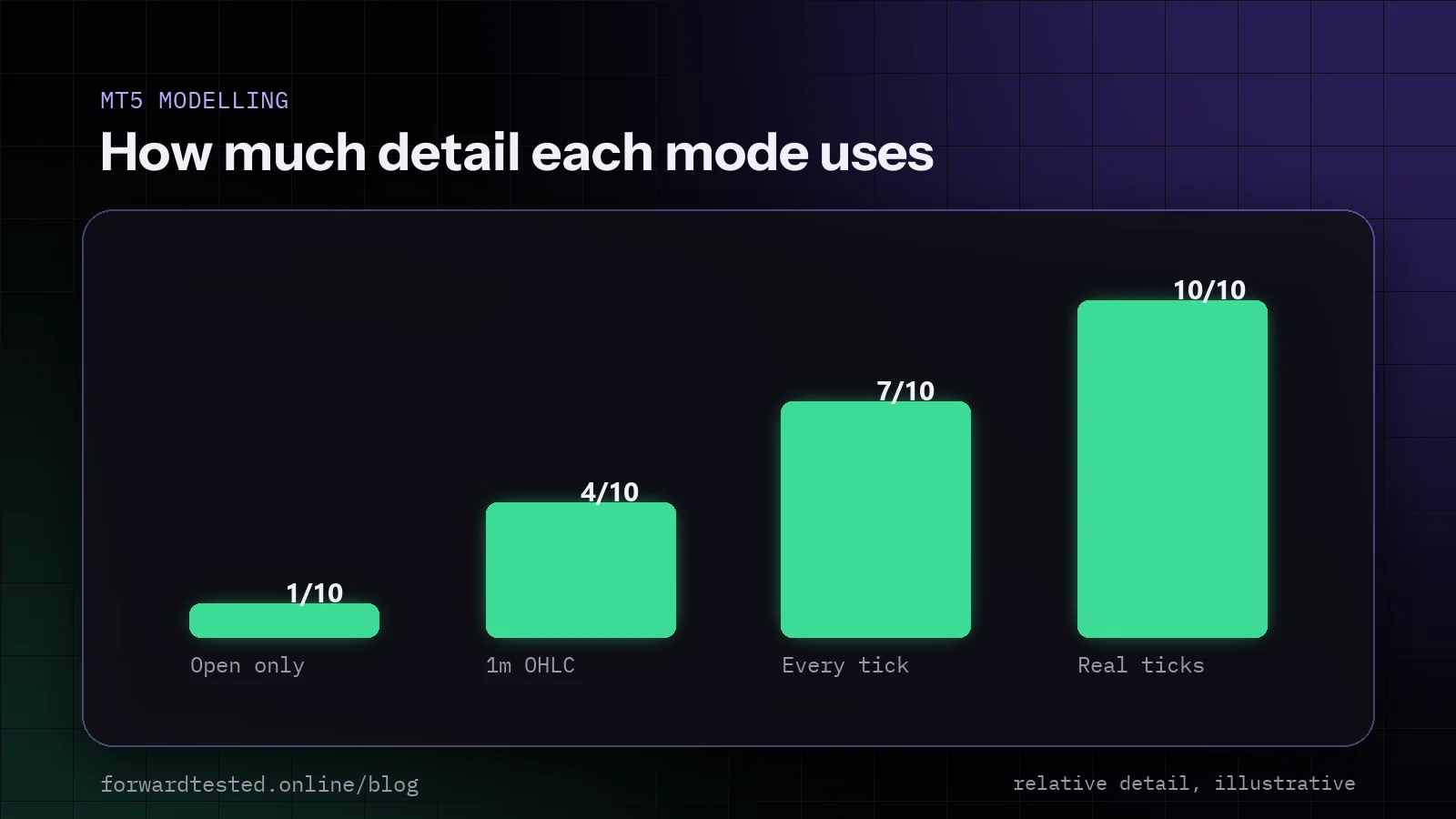
The four modelling modes
| Mode | What it simulates | Use it for |
|---|---|---|
| Every tick based on real ticks | Recorded broker ticks with real spread | Prop firm testing, scalpers, grids, tight stops |
| Every tick | Ticks generated from 1-minute bars | General testing when real ticks are missing |
| 1 minute OHLC | Open, high, low, close of each minute | Quick checks on slower strategies |
| Open prices only | Bar open price only | EAs that only act at a new bar |
Why real ticks matter for prop firms
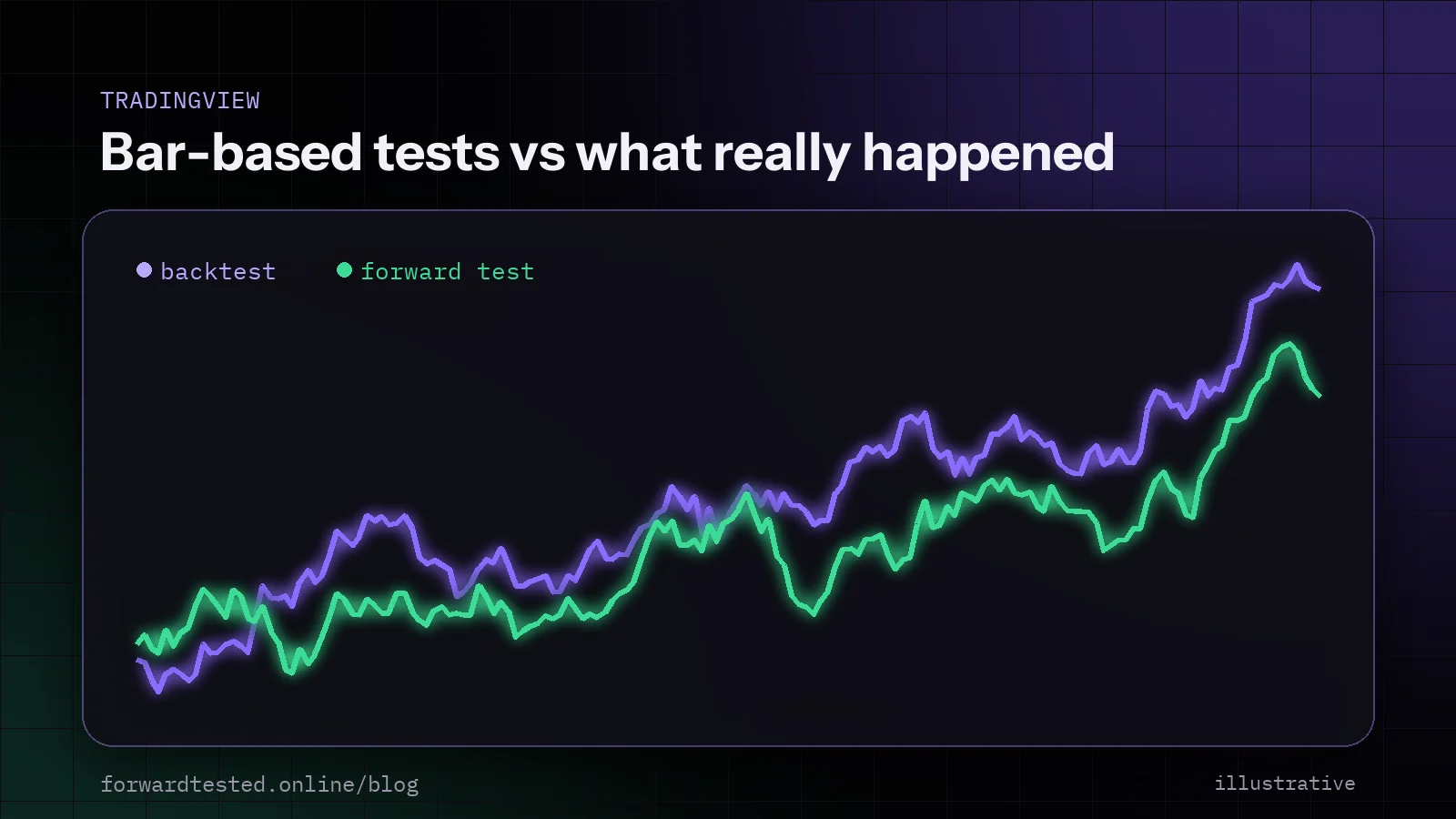
Prop firm rules are about the worst moment, not the average. A grid that adds positions on small pullbacks, or a scalper with a 5-pip stop, depends on the exact order of prices inside each minute. Generated ticks smooth that path and usually understate open-trade drawdown, the number a daily loss limit cares about.
Settings that change the result
- Deposit and currency: your challenge size, so lot sizing and percent limits match.
- Leverage: the prop account's, not your retail account's.
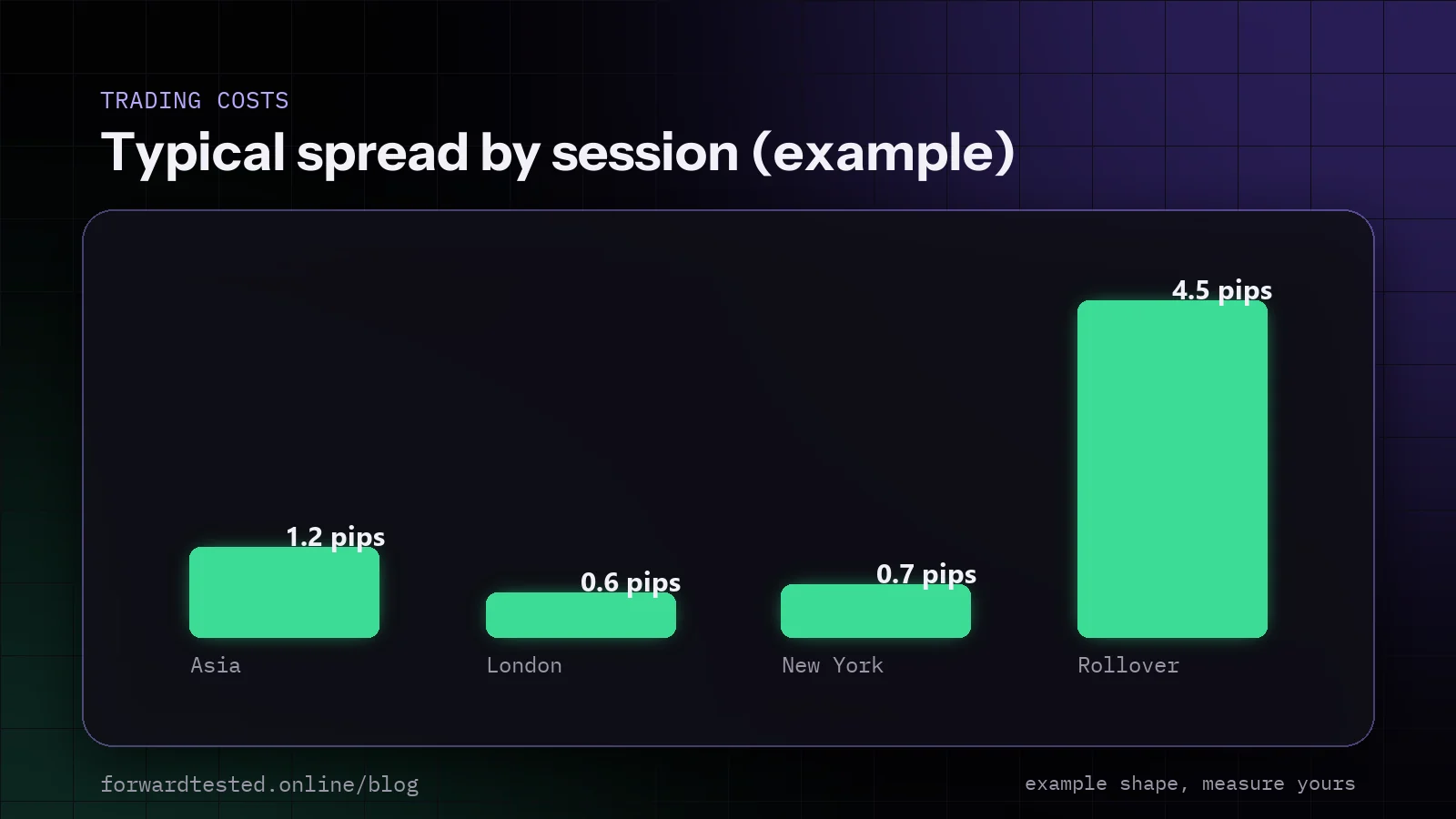
- Commission: add it in the symbol settings or the EA, round trip per lot.
- Delays: add execution delay for news-sensitive EAs.
- Period: several years, with a separate unseen period.
How to run a real-tick test step by step
- Open the Strategy Tester (Ctrl+R) and pick your EA.
- Choose the symbol exactly as your prop broker names it.
- Set Modelling: Every tick based on real ticks.
- Set the date range, then the Deposit to your challenge size and the Leverage to the prop account's.
- Add commission in the symbol or EA settings.
- Start. MT5 downloads the tick history first; the first run can take a while.
- When it finishes, open the Backtest tab, right-click and save the report as HTML.
Reading 'History quality'
The report shows a history quality percentage. With real ticks it should be close to 100%. A low figure means missing data in your range: gaps where trades may have been missed or filled at odd prices. Shorten the range or pick a period with complete data before trusting the result.
Optimisation: use it, but carefully
The tester's optimiser can try thousands of setting combinations. That's useful for finding a stable range, and dangerous because it finds whatever fitted the past best. Use the built-in Forward option to hold back the last part of the period, and pick settings from a plateau where neighbours also perform well. See overfitting.
What real ticks still don't capture
- Your future broker's liquidity: recorded ticks are past quotes, not guaranteed fills.
- Slippage on stops during fast markets beyond what the ticks show.
- Requotes and rejected orders.
- Server time and daily reset differences between brokers.
That's why a short forward test still follows the backtest.
Read the report the prop firm way
The MT5 report shows balance and equity drawdown. For prop firms, the equity drawdown by day matters most. Export the report and replay it against firm rules with Challenge Replay, which rebuilds equity from the trades and checks every start date.