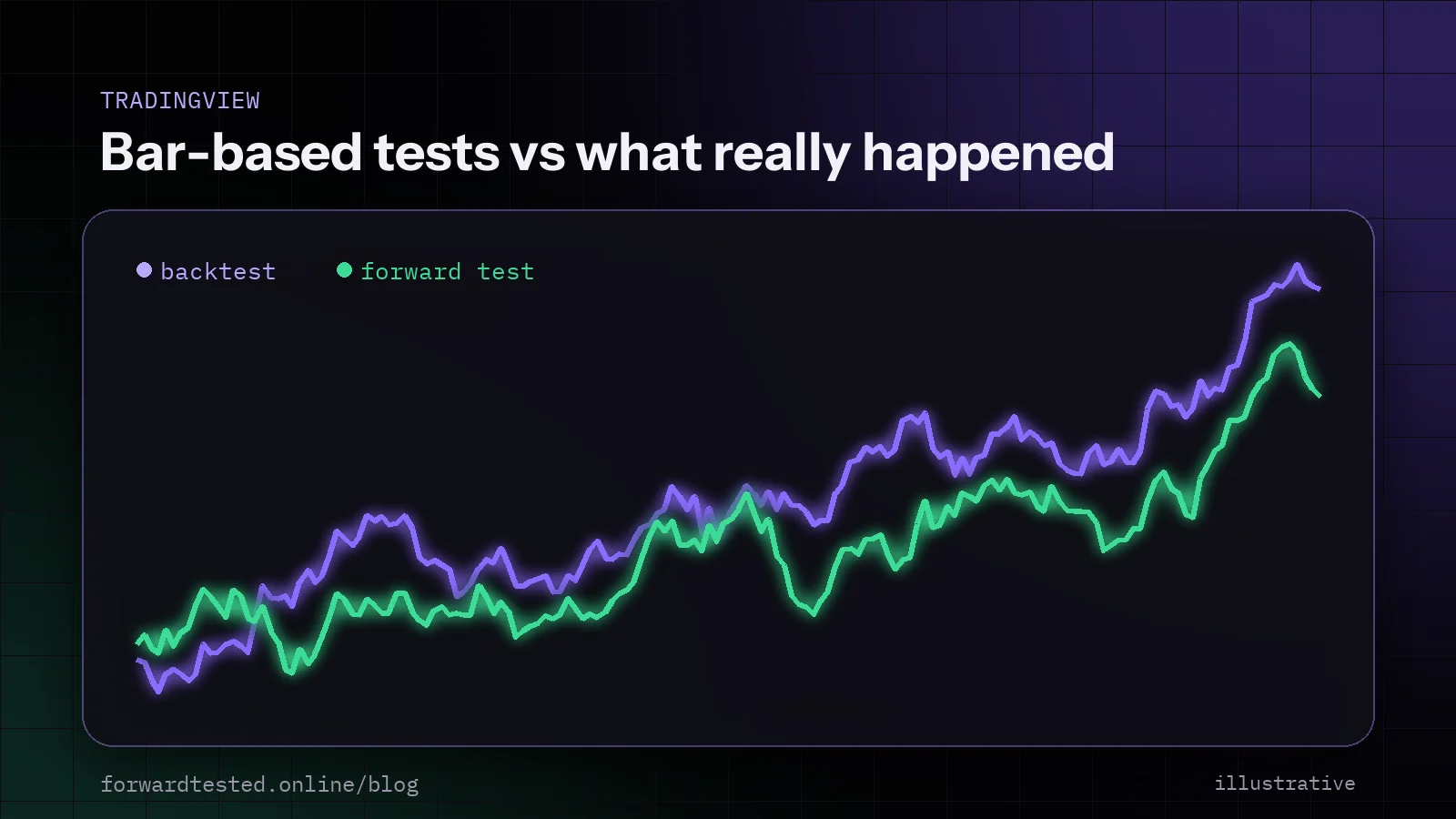
How the TradingView Strategy Tester fills orders
The tester walks bar by bar. Inside a bar it assumes a path (for example open → high → low → close or open → low → high → close). If both your stop and target sit inside one candle, it has to guess which came first. On a 1-hour chart with a 10-pip stop, that guess decides many trades.
What to change before trusting the numbers
- Set commission and slippage in the strategy properties.
- Use Bar Magnifier where your plan supports it, so fills use lower timeframe data.
- Set the initial capital to your challenge size and size orders as a percent of equity or fixed risk.
- Test on the same symbol your prop broker offers (CFD gold is not the same feed as futures).
Turn the List of trades into a prop firm test
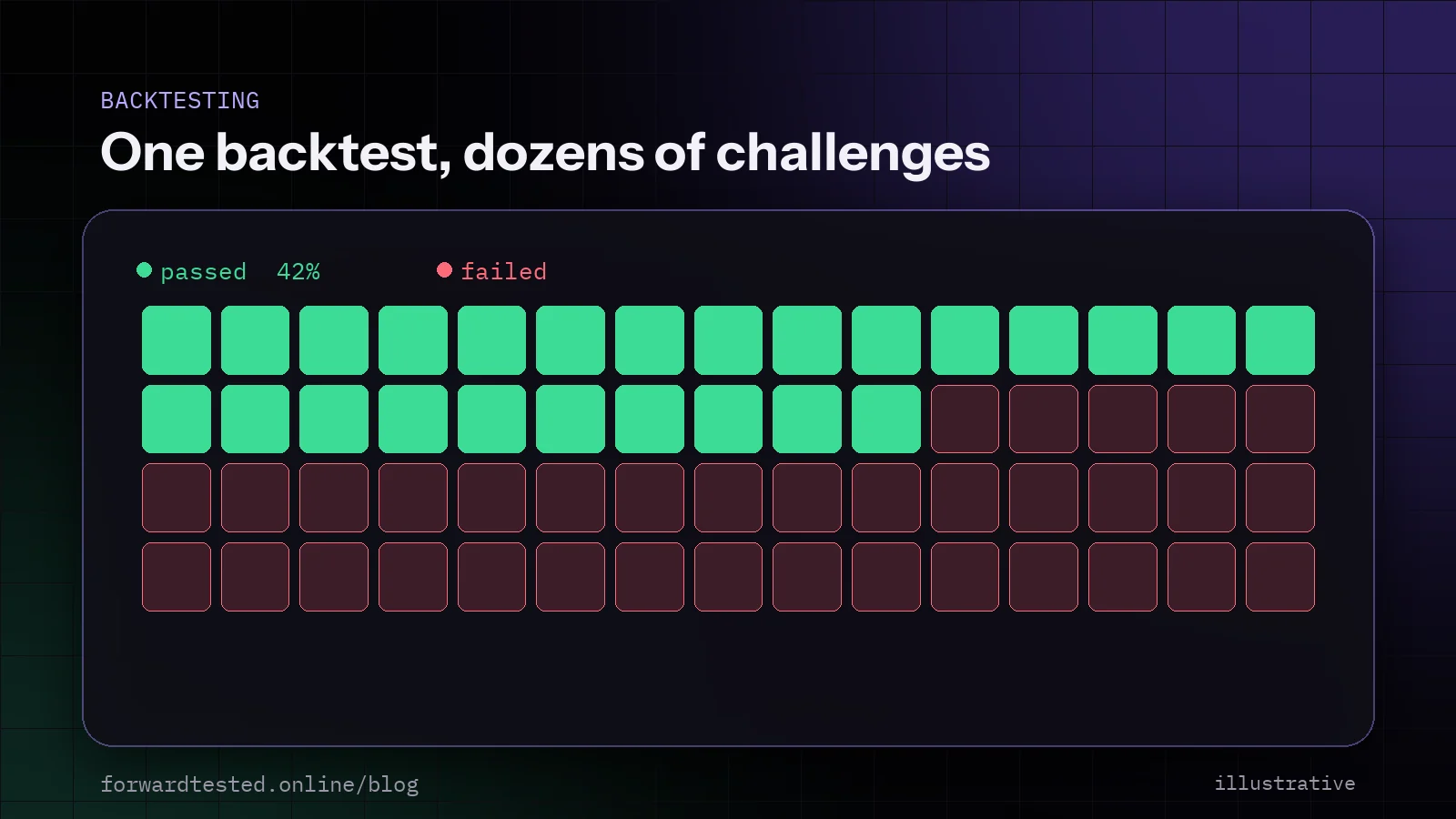
In the Strategy Tester, open List of trades and export it as CSV. That file has each trade's entry, exit, profit and the run-up and drawdown inside it. Upload it to Challenge Replay to replay it against 9 firms' rules from every start date. We flag that TradingView data is bar-based so the pass rates are estimates.
Why bar order matters so much
Imagine a 15-minute candle with a high 12 pips above the open and a low 9 pips below. Your long trade has a stop 8 pips below and a target 10 pips above. Did price hit the stop first or the target? The candle alone can't tell you. TradingView picks a path based on the candle's shape. Over hundreds of trades, those guesses can flip a modest loser into a winner on paper. The tighter your stop relative to the timeframe's candles, the more this matters.
Pine strategy settings worth checking
| Setting | Set it to |
|---|---|
| Initial capital | Your challenge size |
| Order size | Risk-based or percent of equity, not a fixed big number |
| Commission | Your broker's per-lot or percent cost |
| Slippage | A few ticks, more for news-sensitive symbols |
| Recalculate on every tick | Off for backtests unless you know why |
| Process orders on close | Matches how many signals are really traded |
| Pyramiding | Matches what you'll do live |
Changing these often moves the result more than changing the strategy's own inputs, which tells you how fragile a result is.
The data isn't your broker's
TradingView's gold might be a spot feed, a futures contract or a specific broker's CFD. Your prop firm trades its own server's prices. Highs, lows and session times can differ, so signals that fire on TradingView may not fire, or fire at different prices, on your prop account. Test on the TradingView symbol that matches your prop broker where possible.
Bridging to MT5 for a forward test
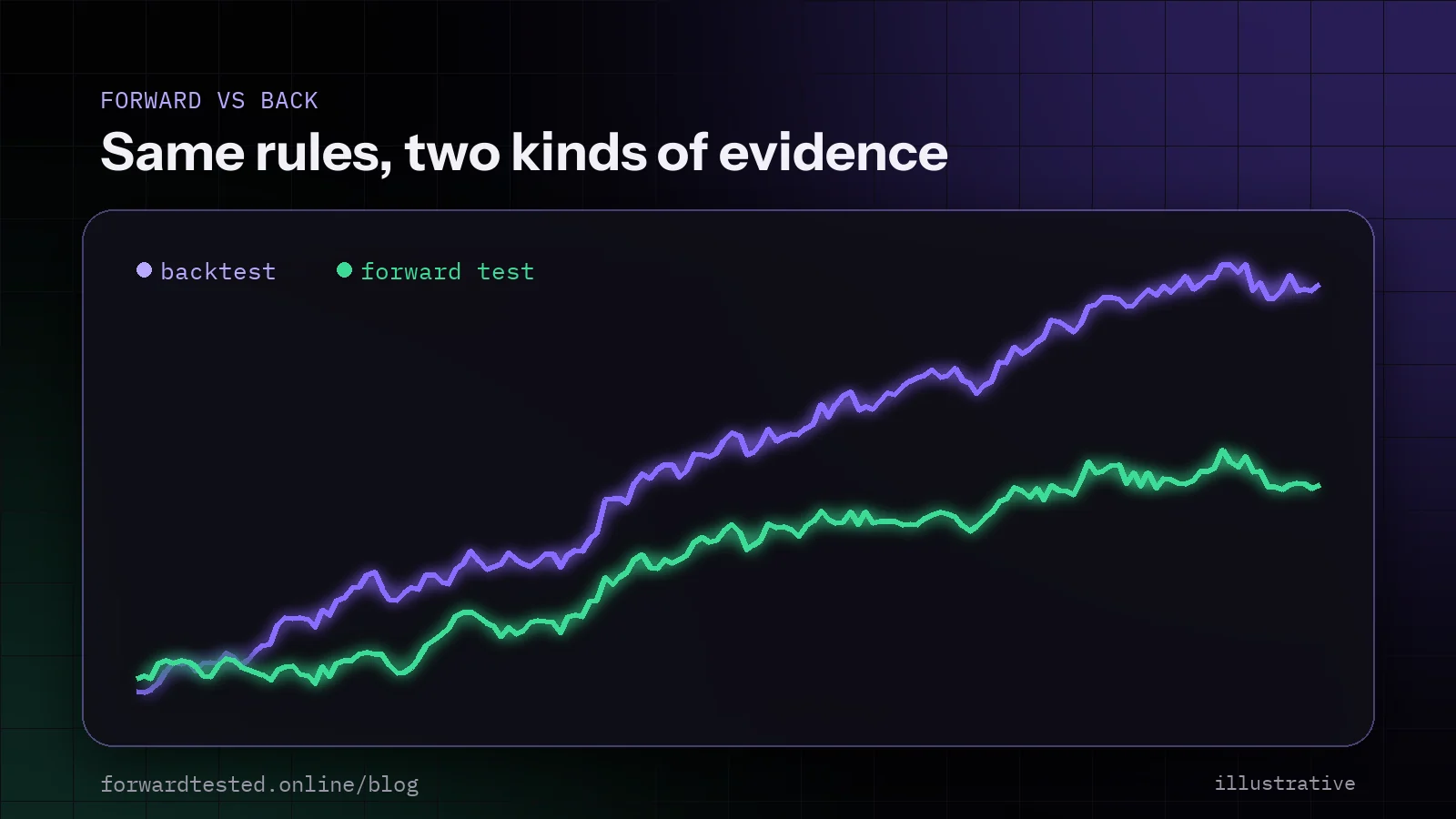
If the strategy lives in Pine, you can forward test it on an MT5 demo by sending its alerts to MT5 through a bridge. That keeps the signal logic in TradingView while fills, spreads and the daily loss limit happen on the real broker. ForwardTested's bridge starts in paper mode and applies a risk cap and a prop firm rule guard.
When to switch to MT5
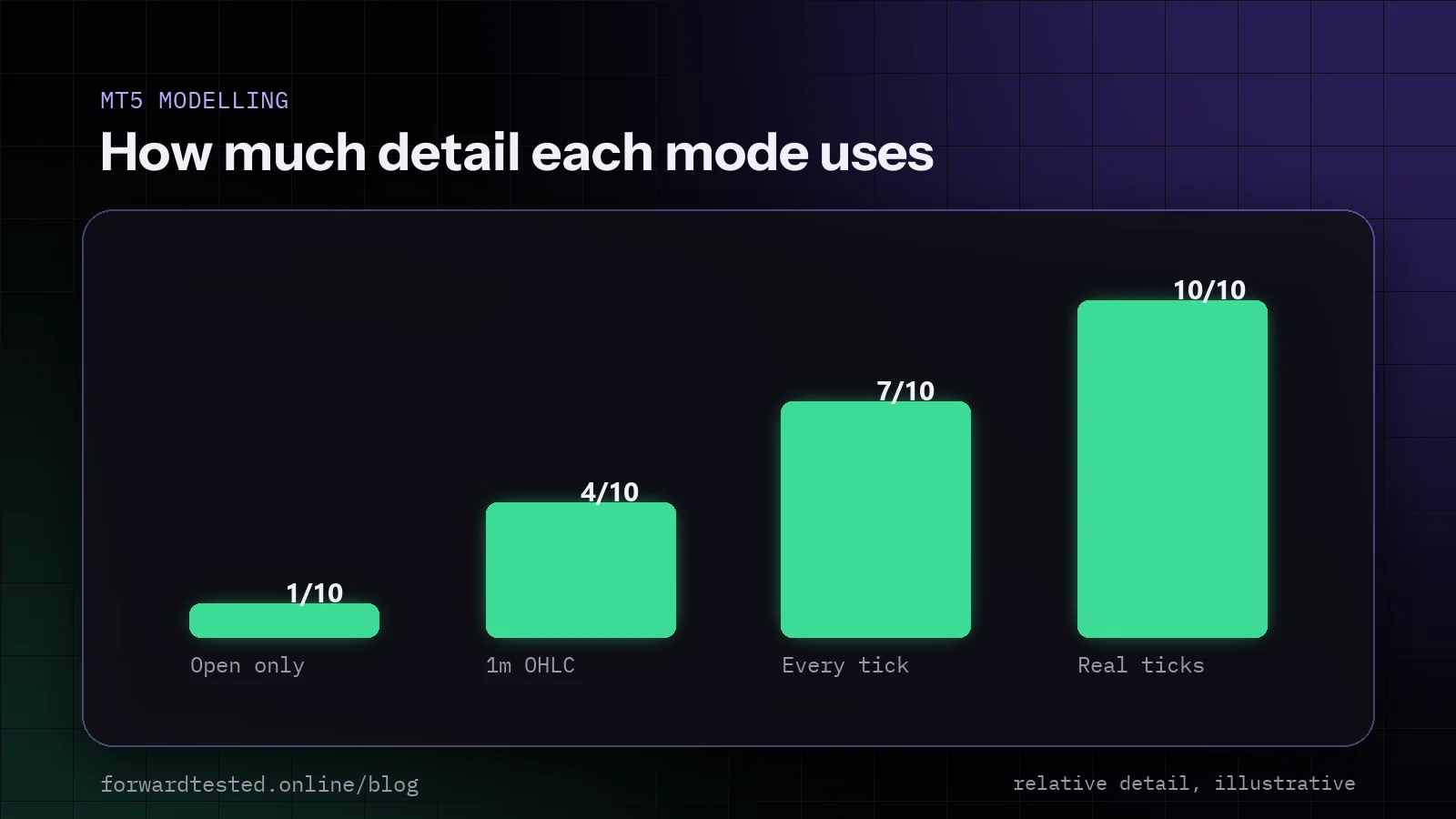
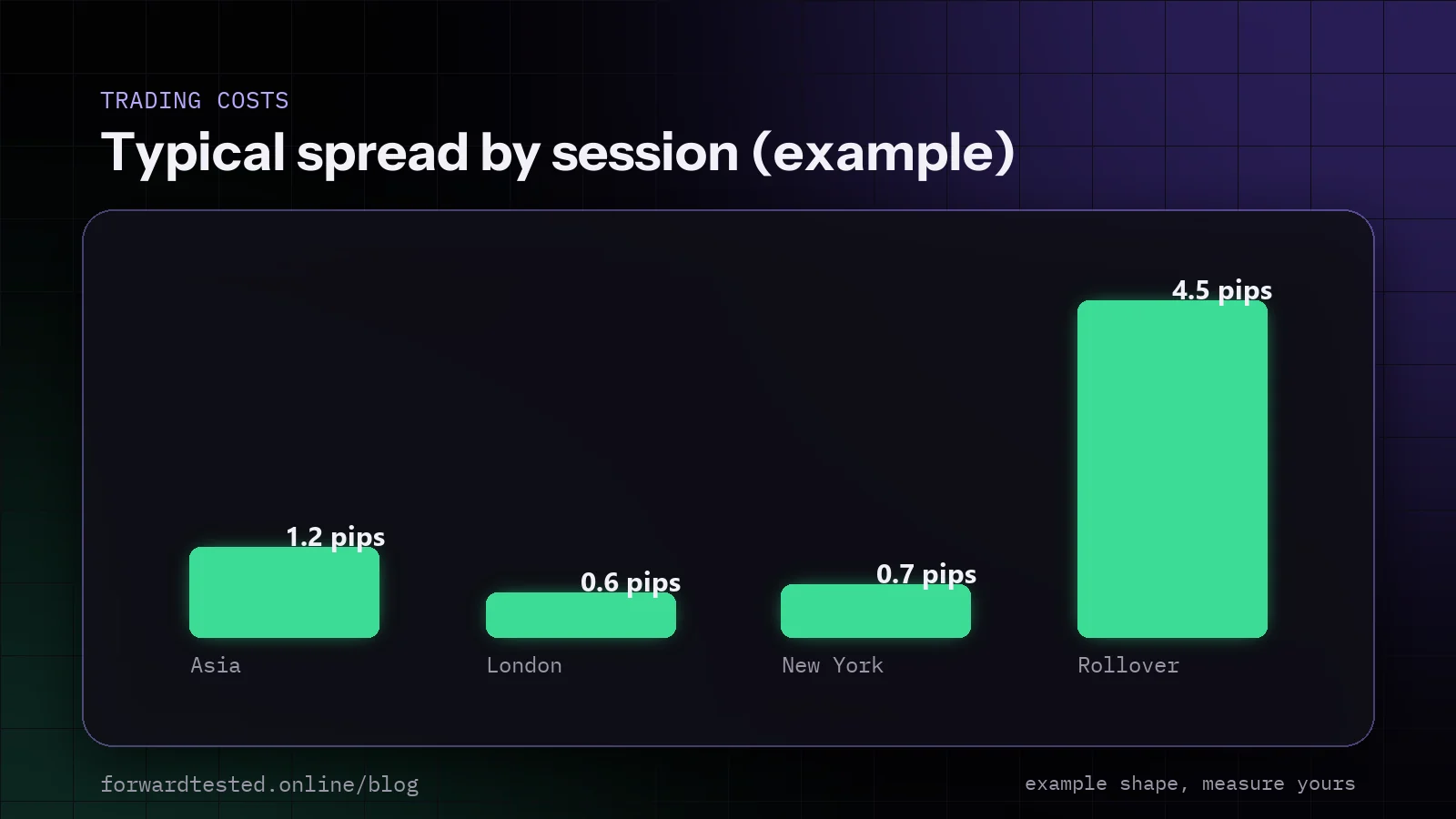
If your strategy scalps, uses stops under a few times the spread, or adds positions, rebuild it as an MT5 EA and test with real ticks, or forward test it on demo through a TradingView-to-MT5 bridge.